1. Introduction
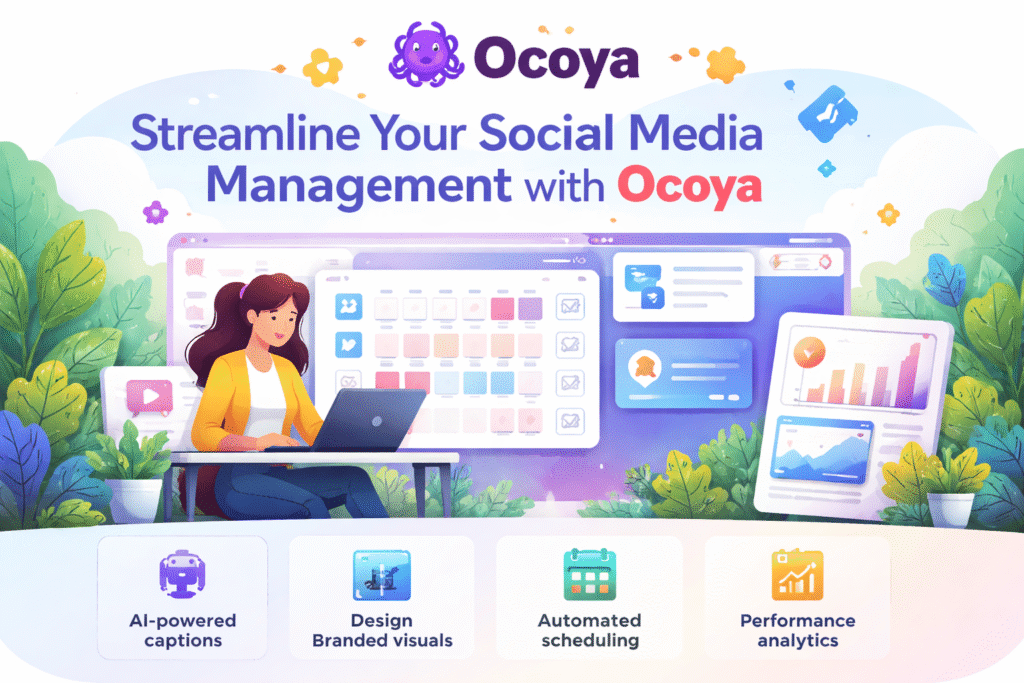
Ocoya is an AI-driven platform designed to help marketers and social media teams create visuals, write captions, and schedule posts all in one place. It solves the challenge of fragmented workflows by combining design, copywriting, and scheduling into a single dashboard. For a Social Media Executive, this means less time switching tools and more time focusing on strategy and brand consistency. With Ocoya, daily content production becomes faster, smoother, and more organised.
2. What the Tool Does
This tool helps with creating and managing social media content by offering features such as:
- AI-generated captions, hashtags, and content ideas
• A built-in design tool to create branded visuals and posts
• Automated scheduling across multiple platforms
• Performance analytics for insights and optimization
These features make it easier to plan, produce, and publish content across all client accounts in a streamlined way.
3. How You Would Use It in Daily Work
Ocoya fits naturally into your everyday social media workflow, especially when handling multiple brands or high-volume content calendars. You can use it to create posts quickly, keep everything organized, and maintain consistent posting without stress.
Examples of use:
• Generate captions and hashtag sets for weekly content batches
• Create matching graphics for campaigns using the design templates
• Schedule posts ahead of time for Instagram, Facebook, TikTok, Pinterest, and more
• Review performance analytics to refine strategies for each brand
4. Why This Tool Is Useful
Ocoya is useful because it centralizes content creation and planning, helping you save time and keep campaigns consistent. It removes the need to jump between design apps, caption generators, and scheduling tools.
Benefits include:
• Faster content production with AI-assisted writing
• Brand-aligned visuals created inside the platform
• Organized multi-platform scheduling to avoid last-minute posting
For your team, Ocoya becomes a reliable support system to maintain quality and consistency across all social media channels.
5. Simple Guide to Start Using It
Getting started with Ocoya is simple, with an intuitive dashboard designed for non-technical users. Once you set up your accounts, the entire workflow becomes seamless.
Steps to begin:
Sign up and connect your social media accounts.
Select a template or start creating a post with the AI caption generator.
Customize your visuals, add your copy, and choose your hashtags.
Drop the content into Ocoya’s scheduling calendar and set your posting times.
6. Pricing
Ocoya uses a freemium model with basic features available for free. Paid plans unlock additional templates, expanded AI writing credits, advanced analytics, and more social account connections.
7. Closing Summary
Ocoya is a smart choice for anyone managing frequent social media content, especially across multiple brands. It blends writing, design, and scheduling into one smooth workflow, making your daily tasks faster and more organized. For a Social Media Executive, it brings consistency, creativity, and efficiency to every stage of content creation.