Introduction
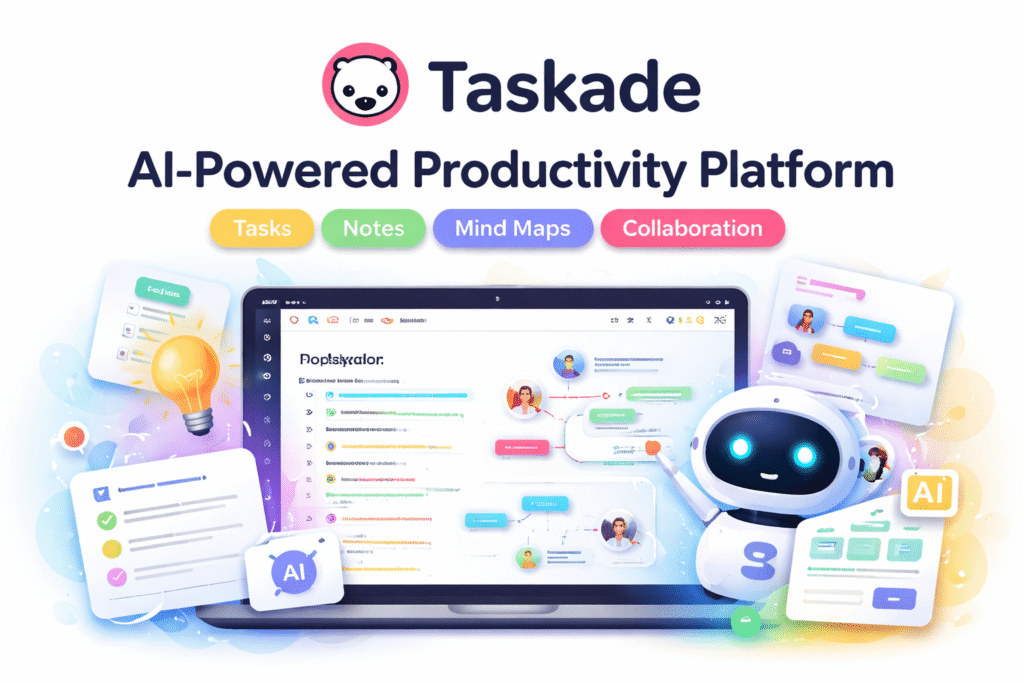
Taskade is an AI‑powered productivity and collaboration platform designed to help individuals and teams plan, organize, and execute work in a unified workspace. It combines task lists, notes, mind maps, workflows, and AI assistance into one simple but powerful interface. Rather than switching between separate apps for writing, task management, and collaboration, Taskade brings everything together in one place with a focus on speed and ease of use.
Core Purpose and What It Does
At its core, Taskade functions as a digital workspace where you can:
- Create and manage tasks: Build to‑do lists, assign responsibilities, and track progress.
- Write and collaborate: Draft documents, take structured notes, and brainstorm with team members in real time.
- Build visual structures: Use lists, boards, mind maps, or calendars to organize work in the style that suits you best.
- Use AI to assist work: Taskade’s AI can help generate outlines, plans, content, and even more complex workflows.
Compared to traditional planners or simple task managers, Taskade’s strengths lie in its combination of collaboration, task tracking, and AI‑driven suggestions – which is especially useful when work involves both planning and writing.
Key Features
1. AI Assistance
Taskade includes an AI layer that helps generate content, ideas, and structured plans from simple prompts. Whether you need an outline for a document or a daily task breakdown, AI can speed up your process.
2. Flexible Workspace Views
You can switch between multiple views — from classic task lists to Kanban boards or mind maps — depending on how you like to visualize work.
3. Real‑Time Collaboration
Teams can edit projects simultaneously, share comments, and discuss changes live, which makes remote collaboration smooth and responsive.
4. Automations & AI Agents
Advanced features allow you to build AI agents and automations that handle repetitive workflows (like categorizing tasks, sending reminders, or updating project details). These features aim to automate parts of the work day, not just plan tasks manually.
How You Can Use Taskade Daily
Taskade is versatile and can be used in many everyday scenarios:
- Personal Productivity: Organize your to‑do lists, set daily goals, and use AI to generate reminders or task outlines.
- Team Projects: Collaborate on shared tasks, assign responsibilities, and check progress across team members.
- Content Creation: Draft articles, blogs, and meeting notes with AI help, then turn those into actionable tasks.
- Planning Workflows: Create weekly or monthly plans, breakdown projects into steps, and use automations to reduce repetitive work.
For example, you might start your day by asking Taskade’s AI to generate a list of priorities based on goals you set the night before, then use its workspace views to schedule and assign those tasks. Later, team members can update progress in real time. This mix of automation, AI suggestion, and collaboration makes daily work flow more structured.
Pricing Overview
Taskade offers a Free plan with basic AI credits and the ability to create a few apps or projects. Paid subscriptions include:
- Starter: More AI credits, unlimited apps, and extra workspace flexibility.
- Pro: Higher AI credits, unlimited agents and automations, and advanced integrations.
- Business: Designed for larger teams with analytics, custom domains, admin controls, and priority support.
These plans unlock progressively more features, especially for teams and advanced AI usage.
Why Taskade Is Useful
Taskade stands out by blending task management, note taking, and AI assistance without overwhelming complexity. It simplifies planning, reduces time spent on manual task setup, and keeps everyone aligned whether you are working alone or with a team. This unified approach helps users focus on doing work rather than managing the tools they use to plan it.